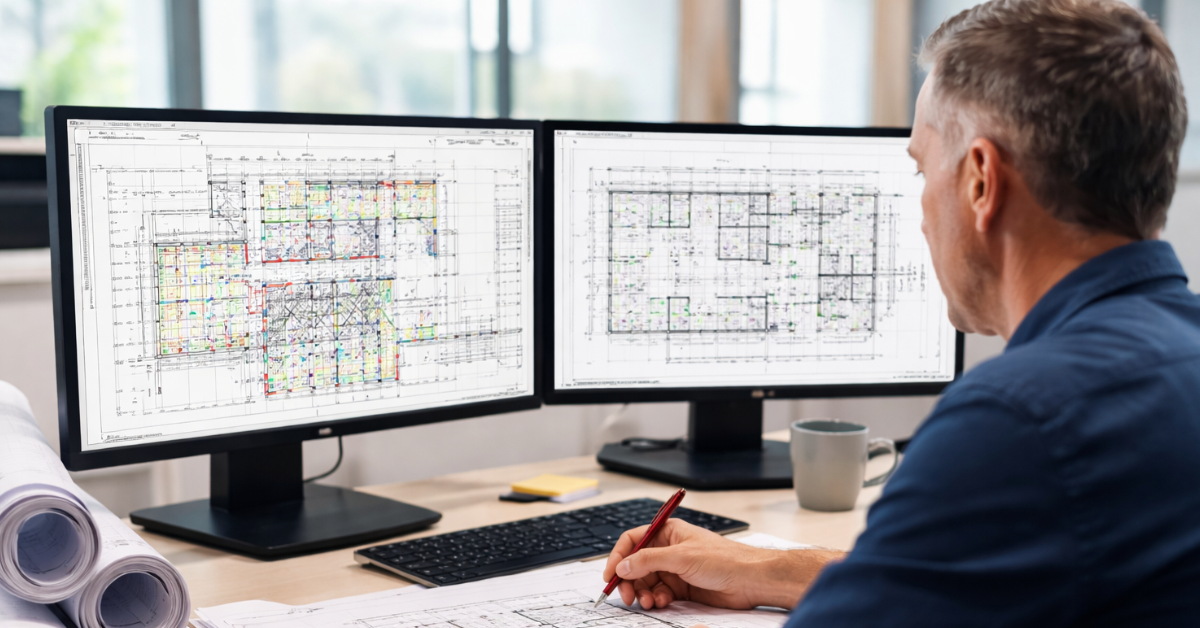
There's a lot of conversation in the plan review world right now about AI. What it can do, what it can't, and what's coming next. (By the way, we're spending a lot of our time thinking about this too — and if you haven't seen what we're working on when it comes to AI, you can have a look here.)
But when our team spends time on-site with customers, it's not just the AI topic that keeps coming up. It's the small stuff that gets in the way of getting plans approved.
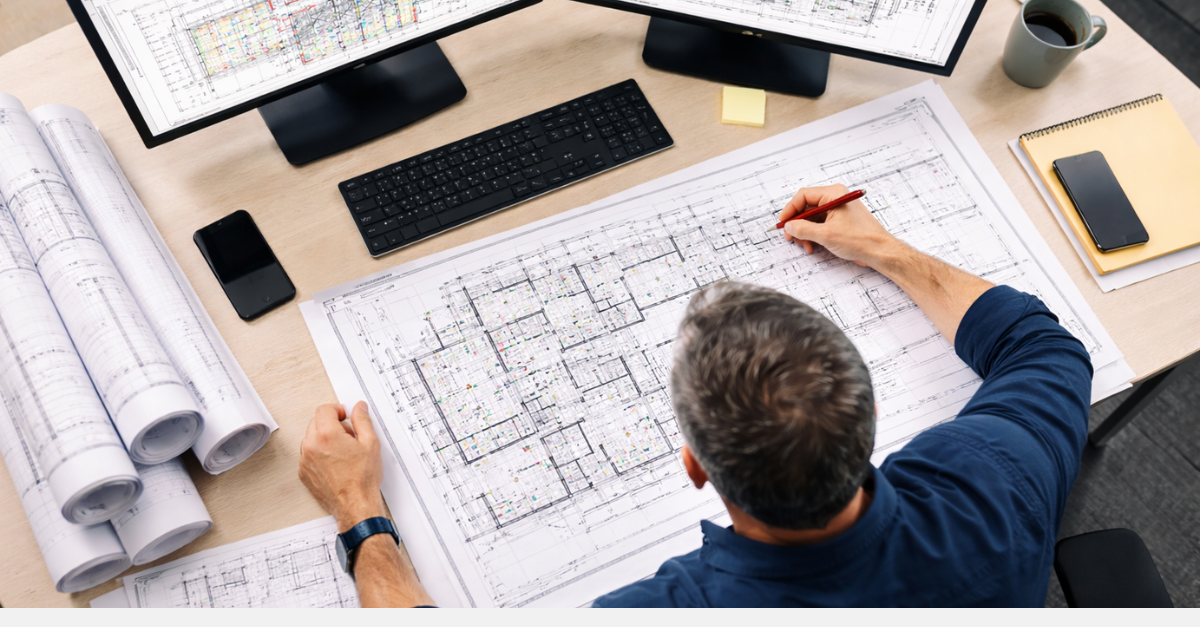
The lag when you open a plan. The menu that takes three more clicks than it should. The measurement tool that doesn't quite snap to the point you're trying to reference. None of it ruins your day as a plan reviewer. But plan review is a deeply cognitive job. You're carrying a long list of building codes in your head, trying to apply them to a plan set that might be a hundred pages long. When your tools are generating even a little friction, that friction compounds across hundreds of plans and tens of thousands of clicks per week.
It's exhausting. And a reviewer who's fighting their tools isn't just slower — they're a bottleneck. Every day a permit sits in review is a day a project doesn't break ground. Developers get antsy. Phone calls get made. The planning department absorbs it.
None of that is what anyone signed up for.
So we've been spending time working on the little things that make a big difference in plan review.
Here's what that looks like.
The Cognitive Load Problem
We asked Matt Abbitt, our VP of Product, to describe what he's been hearing from customers.
"Before they start their work, plan reviewers have to get in a mindset," he said. "There are thousands of codes they're trying to remember and apply. The last thing they want is a tool that blocks that — that gets in the way of doing the actual analysis."
The analogy he kept coming back to: picking up a pen and writing on paper. That's the standard. You don't think about the pen. You don't have to figure out how it works. You just pick it up and start reviewing.
The goal of every improvement we've made to the core review functions in ePlanSoft is to get as close to that intuitive, you-don't-even-have-to-think-about-it experience as possible.
Rendering and Native PDF Scrolling
First thing: when you open a plan, it should open fast. Like, really fast.
Getting that initial summary view — what kind of plan is this, what am I looking at — requires a clear mental picture. If the plan takes too long to render, or comes up blurry while it loads, you're already one step behind where you need to be.
We're making improvements to the core plan review experience to mimic what it feels like to scroll through a simple PDF. Before, navigating a multi-page plan meant clicking through pages and waiting for each one to render. Now you scroll continuously, just like you would in any PDF reader. Jump to a page if you want to (that option is still there) or pull up a double-page view for more reference real estate. The point is that getting a frame of reference on a plan should feel effortless.
Drawing, Commenting, and the Two-Click Problem
Here's the thing about annotation tools in most plan review software: they were designed by people who didn't think very hard about how much annotating you actually do in a given day.
The old workflow: you want to circle something and flag it. You open the annotation menu. You find the right tool. You open a color wheel and pick a color. You click through a few more sub-menus. You apply the annotation. Then you click save.
Doing that once or twice? Not a big deal. But when you multiply it by the number of times a reviewer does it in a day, it adds up.
What we've built instead: you click annotate, pick a color from a simple strip, and draw. Freehand, directly on the plan. When you're done drawing, a comment field opens automatically — add your note, hit save, and it's linked directly to the shape you just drew. No extra steps. No hunting through menus.
Snap-to Measurement That Actually Works
If you've ever used a measurement tool that doesn't snap to the thing you're trying to measure, you know the particular kind of frustration where you're clicking near a wall or a dimension line and the tool just... floats. Then you're zooming in, trying to get precise, doing math in your head to correct for a slightly off anchor point.
Our view is that plan reviewers need measurement tools that intelligently snap to the points in the plan that need measuring. You hover near a reference point and it locks onto it. You drag to the other end, it locks there too. And when you complete the shape, it automatically calculates the area based on the plan's scale.
One drag. Auto-calculated. Linked to the plan scale.
Applying building codes means you’re constantly measuring. This is one of those features where once you use it, there's no going back.
Final Thoughts
None of what we just described is going to show up in an RFP checklist. There's no line item for "doesn't make me want to throw my computer at the wall." But the reviewers who use these tools every day know the difference immediately.
When we show the new experience to customers, the reaction isn't "wow, great feature." It's "I wish every software tool felt this intuitive."
But the goal isn't just faster, more intuitive software. It's fewer stalled permits, fewer frustrated developers, and more projects that get built on-time.
If you want to see the new review experience we’re building here at e-PlanSoft, get in touch. We'd love to show you what we're working on.

 e-PlanSoft™ Team
 e-PlanSoft™ Team: Jun 18, 2026 2:29:29 PM













 e-PlanSoft™ Team : Apr 14, 2021 3:03:00 AM