1REVIEW TOGETHER
Give every department a shared view.
Building, fire, zoning, and engineering can work on the same plan at the same time. Reviewers can see each other’s comments and keep their markups connected to the plan.
COLLABORATIVE PLAN REVIEW
Review plans, apply standard comments, and coordinate feedback across departments in one shared workspace. Give your team more time to review and less work pulling everything together.
Book a demoExplore the workflow ↓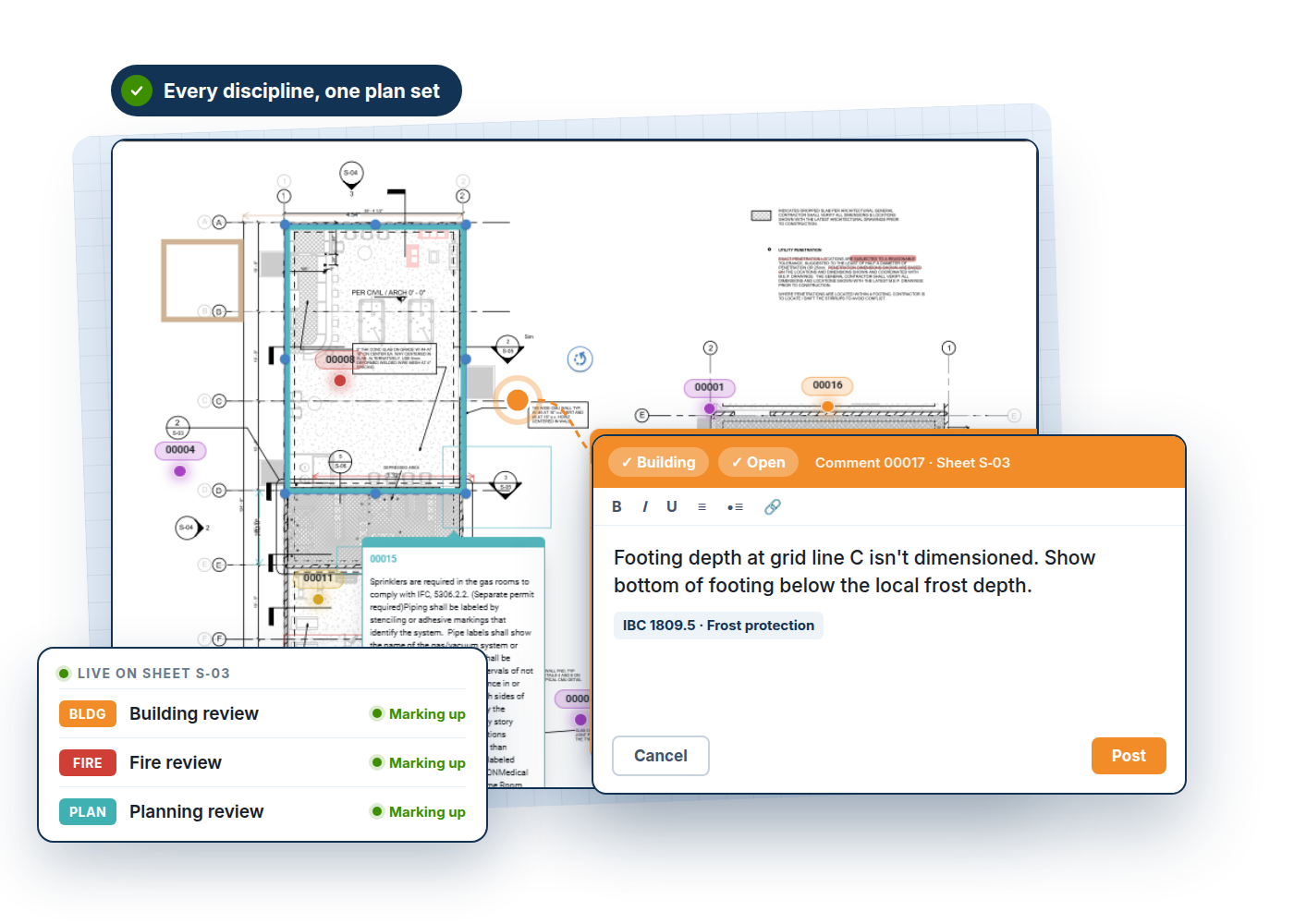
THE CHALLENGE
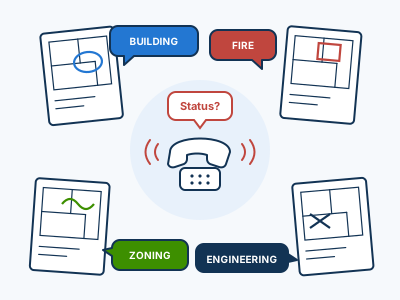
Plans in one window. Standard comments in another. Feedback in separate files. When each department works in its own tools, someone has to bring the review back together.
HOW IT WORKS
Building, fire, zoning, and engineering can work on the same plan at the same time. Reviewers can see each other’s comments and keep their markups connected to the plan.
Apply common comments without switching to a separate Word document or spreadsheet. Spend less time recreating familiar feedback and more time on the parts of the plan that need your attention.
Organize markups and comments within the review so your team can understand the issue, see the department behind it, and prepare a clear response for the applicant.
FROM OUR CUSTOMERS
“We found through our research that e-PlanSoft aligned better with our needs than the other solutions on the market. We would not be where we are without them.”
Compliance Officer · California HCAI
COMMON QUESTIONS
Yes. Building, fire, zoning, and engineering can work on the same plan set and see comments across departments.
Your standard comment library belongs within the review workflow. In a demo, we can walk through how your team would organize and apply its comments.
Sheet matching and comparison help reviewers identify changes and continue the review. Our Comments & Resubmittals page covers that next step.
Walk through your agency’s process with our team.
Book a demo